Comments can build community - or they can become a magnet for spam and distraction. Not every site needs a public discussion under every post, and even sites that do often want a simpler comment form.
The Comments options under Content in Falcon help you turn comments off entirely or trim the form so it collects less noise.
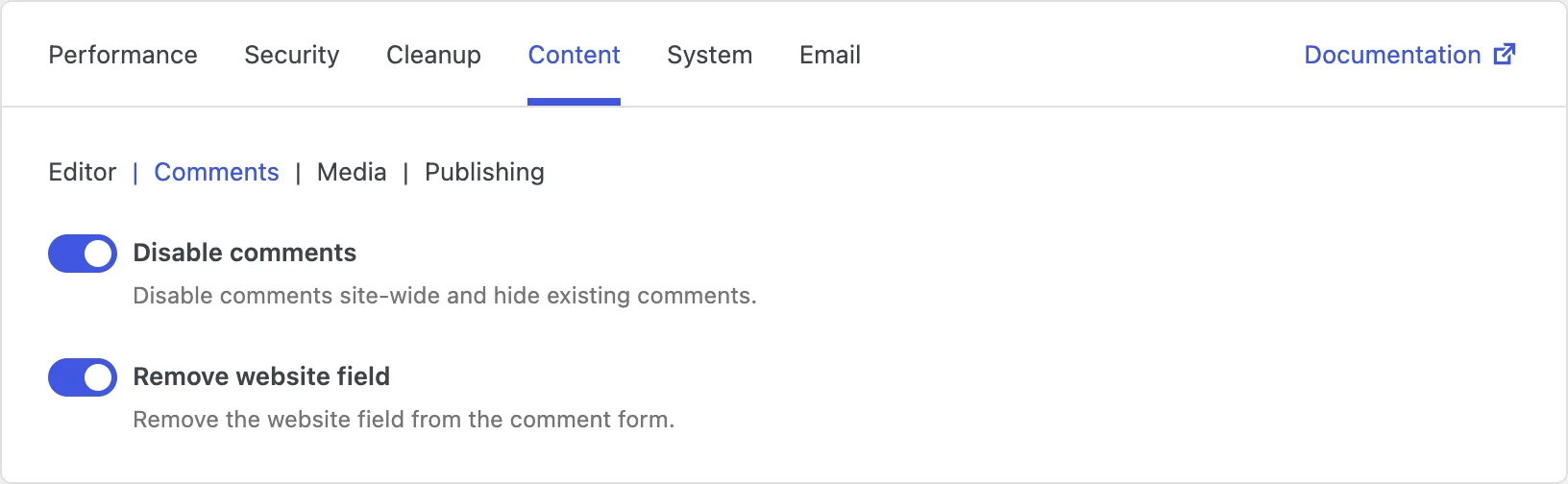
Disable comments
If you do not want public discussion on the site, managing comments one post at a time is tedious. This option turns comments off across the site: the comment form goes away, new comments cannot be submitted, and existing comments are hidden from view.
That is ideal for company sites, portfolios, landing pages, and blogs that prefer email, social media, or another channel for conversation.
Just remember that you also lose on-site discussion. If community comments are part of your content strategy, leave this off and use spam protection instead (see the Security tab).
Remove website field
The default comment form asks for a name, email, and website. Spammers love the website field because it is an easy place to drop promotional links. Many genuine commenters leave it blank anyway.
Removing the website field makes the form shorter and less attractive to spam, while still letting people leave a name, email, and comment. Visitors get a cleaner experience; you get fewer junk links attached to comments.
If you rely on commenters sharing their site URL as part of networking, keep the field. For most blogs that simply want conversation, removing it is a small change with a clear upside.