WordPress likes to email you. Some of those messages are useful. Others become inbox noise - especially on sites with frequent updates or lots of user activity. You should not have to uninstall core features just to get a quieter mailbox.
The Notifications options under Email in Falcon let you turn off specific automatic emails while leaving the rest of the site alone. Pair this with Delivery if the emails you do want are not arriving reliably.
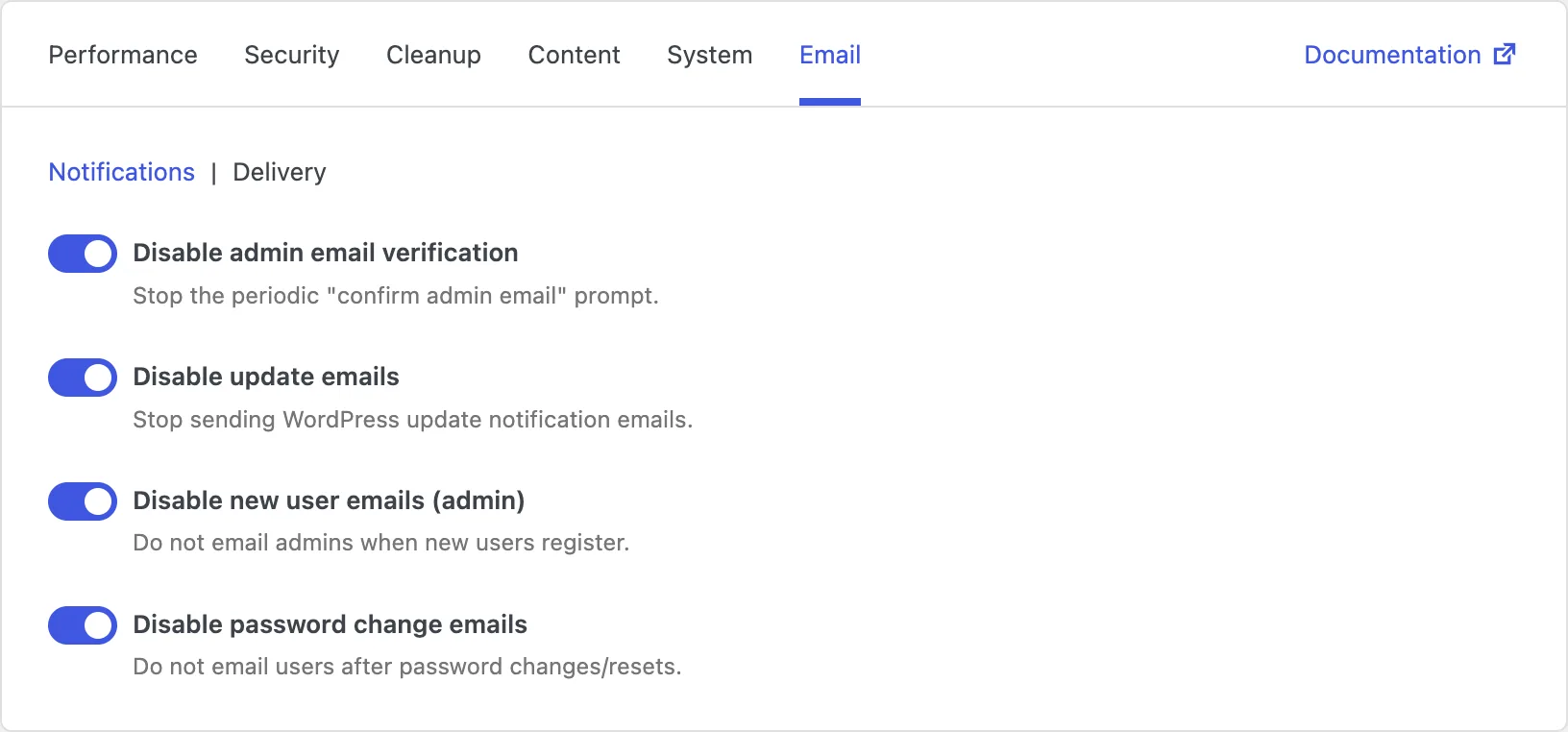
Disable admin email verification
Every so often, WordPress asks you to confirm that the administration email address is still correct. The reminder is well-intentioned, but on sites where that address rarely changes it becomes a recurring interruption in the admin.
Disabling admin email verification stops that periodic confirm prompt. You can still change the admin email in settings whenever you need to - you just will not be nudged on a schedule.
Disable update emails
When WordPress, themes, or plugins update automatically, WordPress can send notification emails about what changed. On a site with many plugins, that can mean a steady drip of messages you already expect.
Turning this off stops those update notification emails so your inbox stays quieter.
Just remember that you may also miss emails about failed or unexpected updates unless you monitor updates another way - for example in the admin, through hosting tools, or a maintenance routine. Related controls for automatic updates themselves are in the System tab, and update notices in the admin can be hidden under Cleanup → Admin.
Disable new user emails (admin)
When someone registers a new account, WordPress can email site administrators about it. Helpful on quiet membership sites - noisy on sites with frequent signups, or when another system already alerts you.
Disabling these admin emails means new registrations no longer trigger a message to administrators. Registration itself still works as usual.
Keep in mind that you will not get an email heads-up when accounts are created. If unexpected registrations are a security concern for your site, leave these notices on or monitor users another way.
Disable password change emails
After a password is changed or reset, WordPress can email the user about that change. That is a useful security signal on many sites. On others - especially tightly managed sites where password changes are rare or handled elsewhere - it is mail you do not need.
Disabling password change emails stops those notices from going out after password updates.
One thing to watch: users will not receive that confirmation email, so they lose one clue that their password changed. If account security emails matter to your audience, leave this off.