It is not enough for WordPress to "send" an email. The message also has to look trustworthy and actually reach the inbox. Hosting default mail is often unreliable: messages land in spam, show a generic from address, or fail quietly depending on the server.
The Delivery options under Email in Falcon help with both problems. You can set a clear sender name and address, and you can send mail through an SMTP service instead of the server's built-in mailer. If you mainly want fewer emails rather than better delivery, start with Notifications.
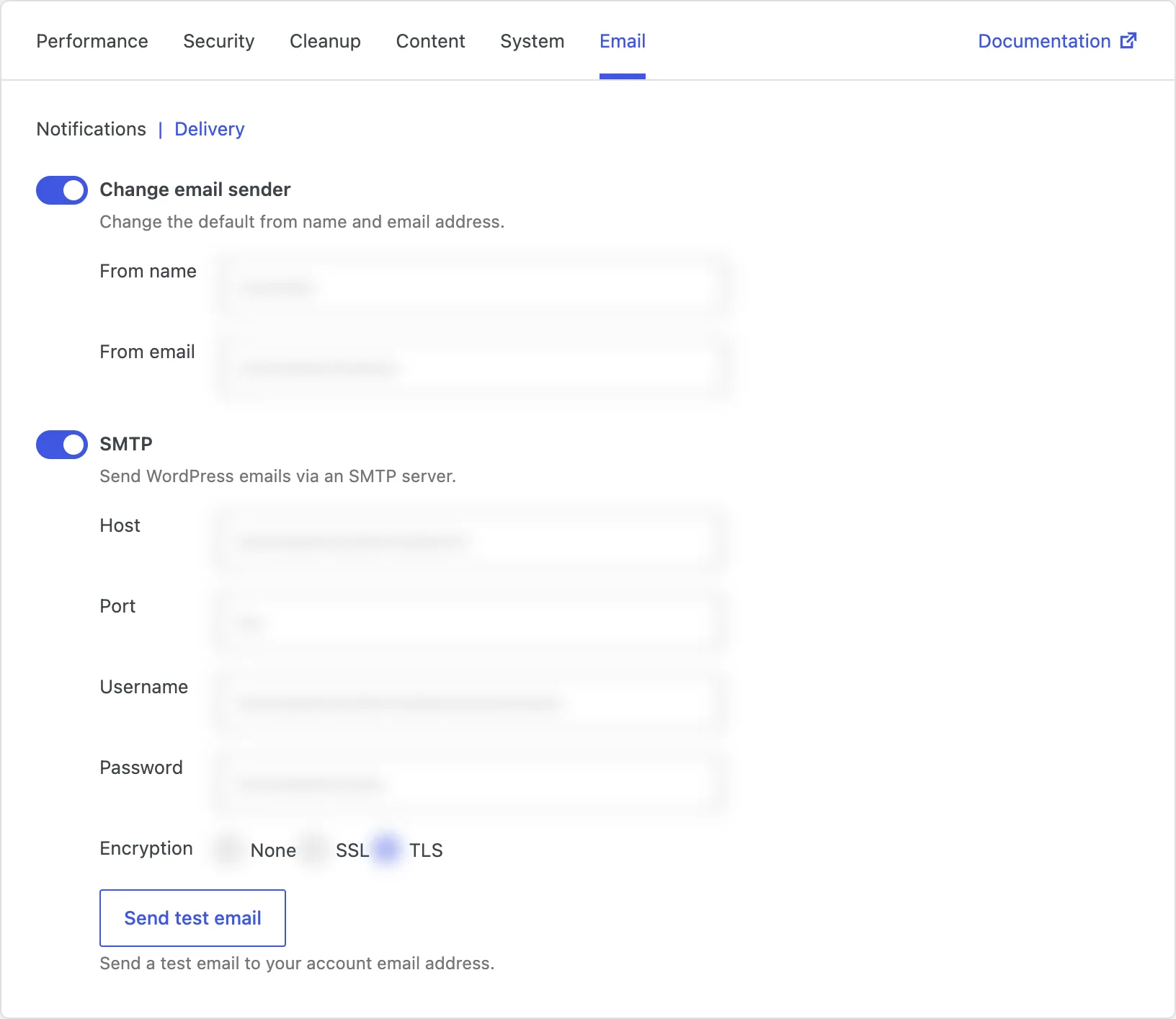
Change email sender
By default, WordPress often sends mail with a technical from address that does not match your brand - sometimes something like wordpress@yourdomain. Recipients may ignore it, and spam filters may treat it with suspicion.
Changing the email sender lets you set a from name and from email that match your site - for example your company name and a real address people recognize. Password resets, notices, and other WordPress emails then look like they came from you.
Use an address on a domain you control, and make sure that domain is allowed to send mail (SPF/DKIM with your host or SMTP provider help a lot). A polished sender name will not fix a broken mail server on its own - that is where SMTP comes in.
SMTP
SMTP sends WordPress email through a dedicated mail service instead of the hosting server's default mail function. You enter the host, port, username, password, and encryption settings from your provider - such as your email host, Google Workspace, Microsoft 365, or a transactional email service.
Once configured, WordPress hands messages to that service. Delivery is usually more consistent and more likely to reach the inbox than server mail, especially on shared hosting.
Falcon also includes a test button so you can send a trial message to your account email and confirm the setup before you rely on it.
Be aware that SMTP needs correct credentials and a working provider. If the details are wrong, or the provider is down, emails can fail until you fix the configuration. Save your settings, send a test email, and check the inbox (and spam folder) before you consider it done.