Every time someone opens a page on your site, WordPress normally starts from scratch: it loads plugins, talks to the database, builds the layout, and then sends the finished page to the browser. That works, but it is slow when many people visit at once - and it puts a lot of pressure on your hosting.
Cache in Falcon solves this by saving a ready-made copy of each page. The next visitors get that saved copy almost instantly, without WordPress rebuilding the page again. You will find this option in the Performance tab.
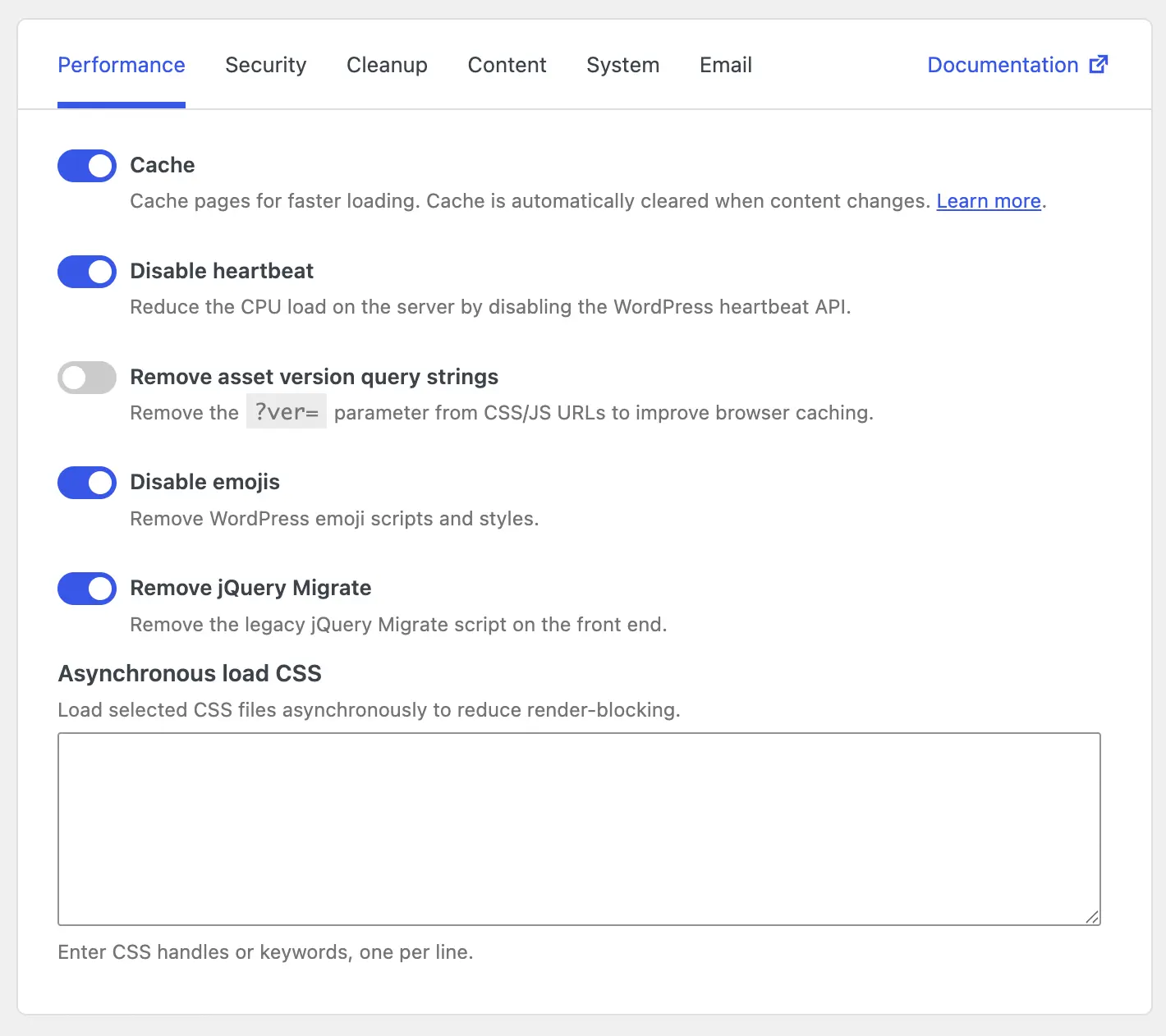
How it works
When you turn cache on, Falcon keeps finished copies of your pages in a special folder on your server. Think of it like printing a page once and handing out that printed copy to the next readers, instead of rewriting the whole page for every person.
Here is what happens when someone visits a page:
- Falcon checks whether a saved copy of that page already exists.
- If it does, the saved copy is sent to the visitor right away - WordPress, your theme, and your plugins do not need to run for that request.
- If it does not, WordPress builds the page as usual. Falcon then saves that finished page for the next visitors.
You do not have to clear cache by hand after every edit. When content on your site changes, Falcon clears the old copies so visitors still see the latest version. That includes things like:
- Adding, editing, deleting, or updating posts, pages, categories, tags, or comments
- Changing themes
- Activating or deactivating plugins
- Editing templates in the editor
- Changing widgets or menus
- Updating WordPress
What does not get cached
Not every page should be saved as a fixed copy. Some pages are different for each visitor, or they change too often to reuse safely. Falcon skips caching in those cases, including:
- Search results and "page not found" (404) pages
- Password-protected posts
- Pages viewed by logged-in users
- Background requests used by forms, apps, and admin tools (AJAX, REST API, XML-RPC)
- Form submissions and other non-normal page views
- Requests that already have an active session
That way, dynamic and personal content still works correctly, while public pages that look the same for most visitors can load much faster.
What Falcon sets up behind the scenes
When you enable caching, Falcon prepares a few things so pages can be served quickly:
- It turns on WordPress page caching support in your site configuration file (
wp-config.php). That file needs to be writable by the server. - It creates a cache folder at
wp-content/uploads/cacheto store the saved pages. - It creates a small helper file at
wp-content/advanced-cache.phpthat delivers those saved pages early in the request.
If Falcon cannot complete these steps - for example because a file is not writable - caching simply will not activate. Your site still works as usual; it just will not get the speed benefit until the setup can finish.
How to check if a page is cached
To confirm that a page is being served from cache, look at the response headers in your browser. A cached page includes a header like this:
X-Cache: HITOpen the page, press F12 to open developer tools, switch to the Network tab, click the request for the page, and check the response headers.
If you do not see the X-Cache header, or it shows another value (often MISS), that page is not being served from cache yet. Visit the page once while logged out, then check again - the first visit may create the saved copy.